
Writing with AI
Build your character bible
4 min read
The more the AI knows about your characters, the better it can write in their voices. The character bible is where that knowledge lives. It is your cast, on the record, so the help you get stays true to the people you have created.
What it is
Think of the bible as a living reference for your story's people: who they are, what they want, how they speak, what they would never say. It is the difference between an AI that drafts a generic stranger and one that drafts your character, the one only you could have written.
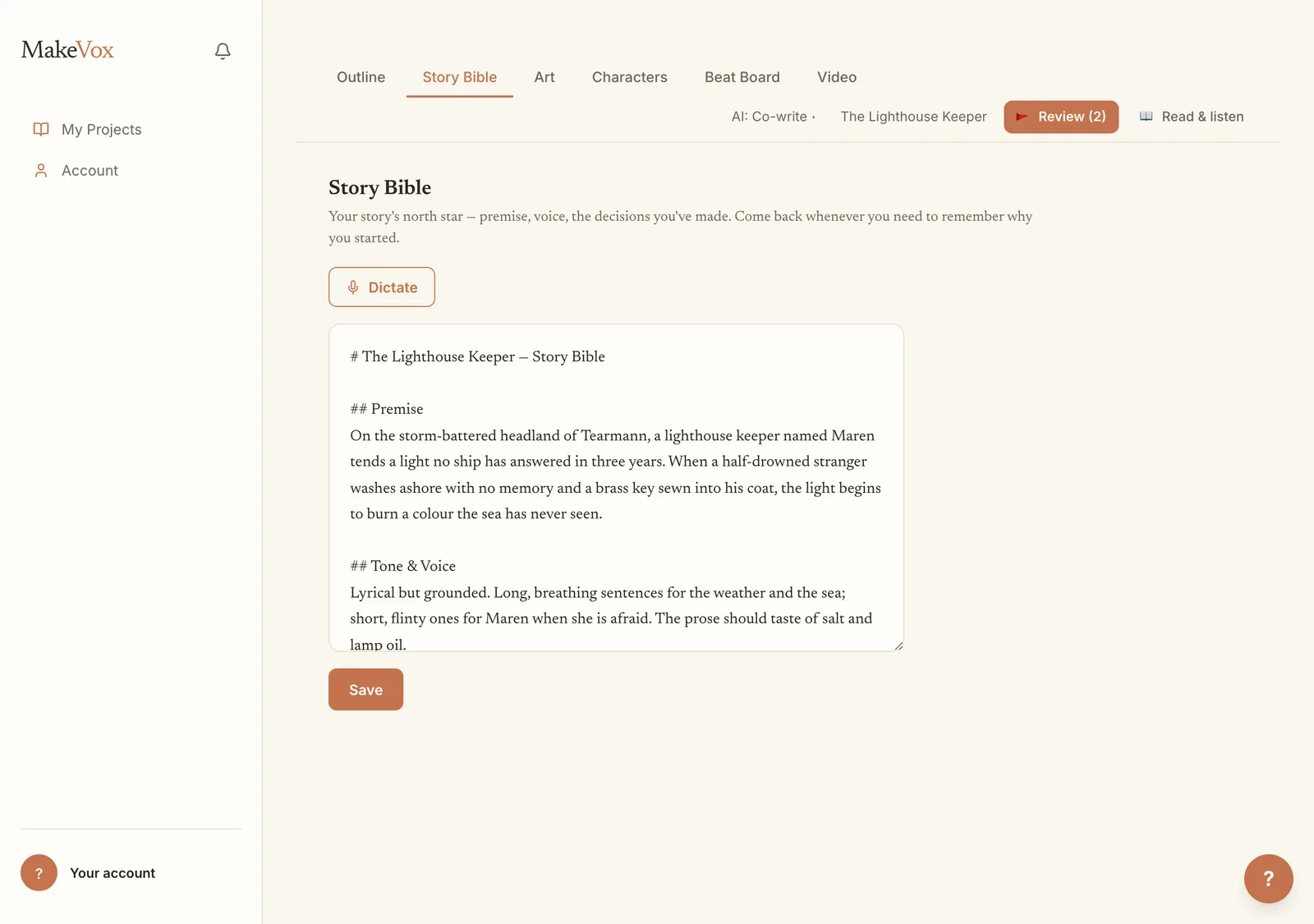
Write it or dictate it
Build the bible the same way you build your story: by talking. Describe a character out loud and MakeVox captures it, or type if you prefer. Add as much or as little as you like, and come back to deepen an entry whenever a character surprises you.
- Open your story and go to the character bible.
- Add a character and describe them, by voice or by typing.
- Capture what matters: their wants, their voice, their history, their tells.
- Revisit and grow each entry as the story teaches you who they really are.
How it unlocks Direct
The bible does double duty. On its own it makes every AI draft more faithful to your characters. Together with a body of your own writing, it also unlocks Direct, the setting where you can brief a whole scene and have it drafted in your voice. The AI earns that trust by first learning who your people are and how you write.
Tip. If Direct is still locked, a fuller bible plus more of your own prose is usually what gets you there.
Talk with them out loud
Once a character is in the bible, you can interview them. Open their chat and, with the box empty, choose Talk live: the chat becomes a spoken conversation, in a voice matched to the character. A conversation lasts up to 4 minutes, shorter when your credits are low, and the countdown shows how long this one has. Near the end the character tells you you'll have to pick this up another time, and everything you both said is saved in the chat.
Choose Voice on a character's page or in their chat to hear and save a different voice. The play button speaks a short line from that character's own saved words, when they have any, and previews cost no credits. The picker names the screen voice used for film dialogue and the matching Talk live voice. A change takes effect on the next reply; a live call ends and reconnects in the new voice at the usual Talk live credit price.
Tip. Talk live is on every plan; on Free your credits cover a few minutes to try it. After your first conversation on Free, a small card under the chat says how much more Writer gives you, with the Founding Writer offer. It never appears during a conversation, shows once, and Not now closes it for good.
Character conversations are 18+
Talking with your characters, typed or out loud, is for people 18 and older. The first time you open a character's chat it asks you once to confirm you are 18 or older, with the year you were born; after that it never asks again, on any device. If you're under 18 you keep everything else: writing, dictation, table reads and the editor. Your chat history with a character is saved to your account, and only you can see it.
When a character steps out of the story
Your characters stay in character. Ask them about their life and they answer from inside the story; ask them to write an email or fix your phone and they'll wave it off in their own voice. They never pretend to be a real person or a therapist. The one time they step out is if you, speaking as yourself, say you might hurt yourself. Then the character says so plainly and shows free, confidential crisis lines: in the US, call or text 988 or text HOME to 741741; anywhere else, findahelpline.com. In Talk live the character's voice says it too. Back to the story returns you to the conversation whenever you're ready. It costs nothing, and a character in your story who wants to die is fiction: write them as dark as the story needs.
Keep reading
Your AI assistance dial: Tidy, Shape, Co-write, Direct
One dial sets how much the AI does, from a light transcript cleanup to drafting a scene from a brief. Shape is the default; change it per story.
Writing with AIYour words, scored: Voice-Fidelity and the Provenance X-ray
See how much of a passage is yours. The Voice-Fidelity meter scores it, the Provenance X-ray shows it line by line, and a toggle keeps it your words only.