
Story types
Choose your screenplay format
4 min read
Not every script is a film. A stage play, a sitcom, and a feature all follow different professional conventions, so MakeVox lets you pick the FORMAT your script should follow. The whole document then lays out that way on screen and in every export, so you write in the form real writers use, from the start.
Pick a format
Open a screenplay or stage play and find the Format control at the top of the editor. Choose from Screenplay (film), TV Single Camera, TV Multi-Cam / Sitcom, or one of two Stage Play looks: centered cues (the Dramatists Guild style) or indented cues. Your choice is saved with the story, so it stays put across your devices.

What each format changes
- Screenplay (film) and TV Single Camera use the standard master-scene layout: INT./EXT. sluglines, indented dialogue, right-aligned transitions.
- Stage Play with centered cues (the Dramatists Guild style most plays are submitted in): character names and act/scene headings centered, dialogue set full-width, stage directions italicized.
- Stage Play with indented cues (the traditional theatrical-template look): character names indented like a screenplay, dialogue nearly full-width.
- TV Multi-Cam / Sitcom uses the taped-show look: dialogue double-spaced and action in ALL CAPS. You also get the sitcom act structure: New Act, End of Act, and Cast List elements right in the toolbar.
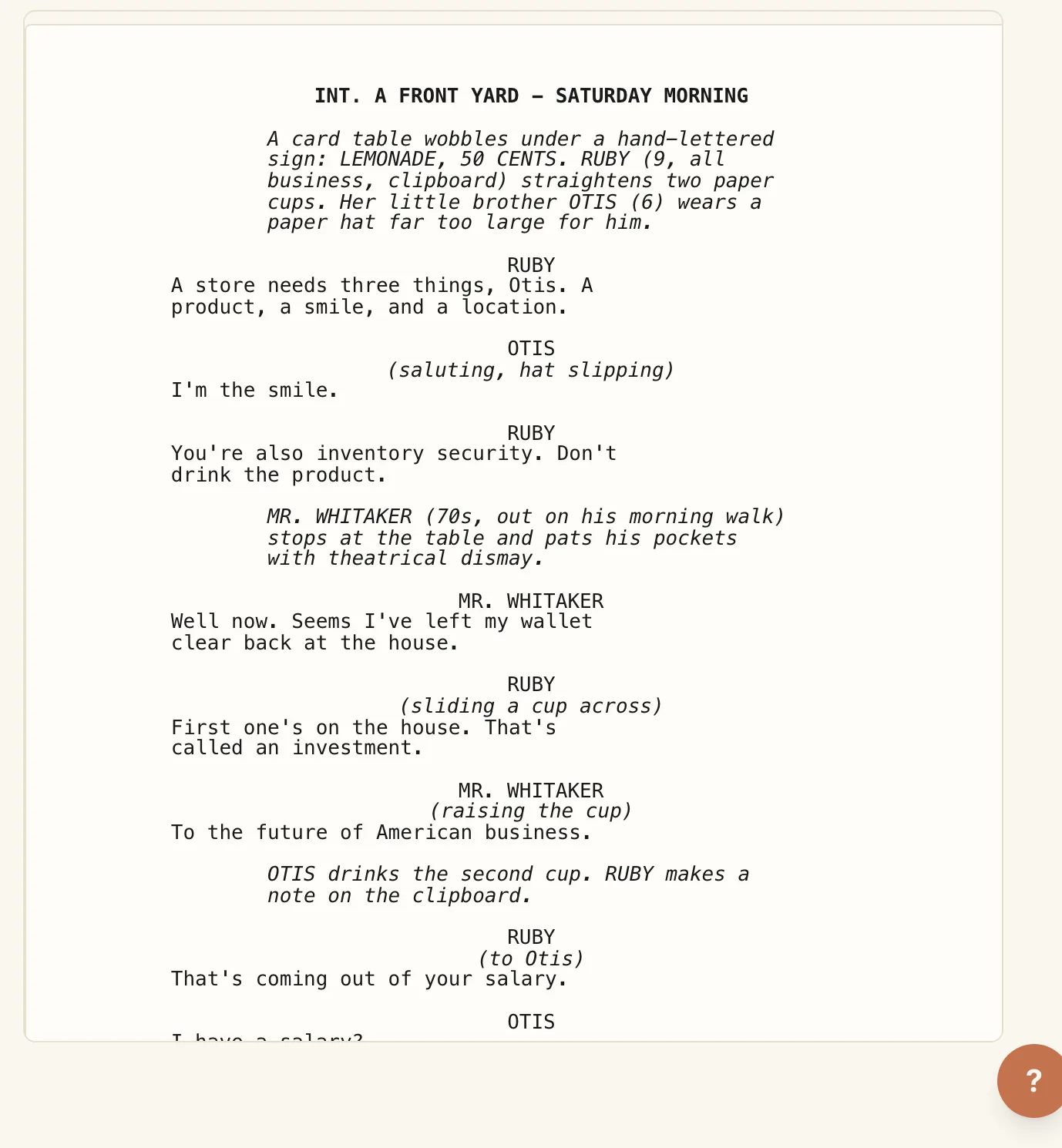
Tip. Picking a format is a layout choice over your text, not a rewrite. Switch formats anytime and your script instantly re-lays-out, and nothing you wrote is lost or changed. A film screenplay is always shown fully formatted as you type, just like the pros.
Who can change it
The format is set for the whole story, so the story's owner sets it. Collaborators see the chosen format but can't change it, so everyone reads and works in the same, consistent form.
Export in your format
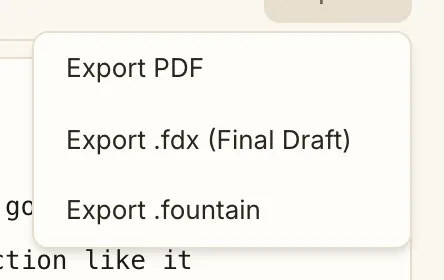
Use the Export menu in the screenplay editor to take the whole script out. Every export follows the format you picked:
- PDF: an industry-formatted, page-accurate PDF in your chosen format, ready to share or print.
- .fdx: opens in professional screenwriting software in the matching format (screenplay, stage play, or sitcom).
- Fountain (.fountain): the plain-text screenplay format, to carry your script into any other tool.
Tip. Writing a play or a sitcom? Set the format first, then write. It reads correctly the whole way, and exports as a proper stage or TV script when you're done.
Keep reading
Write a screenplay by voice
Start a screenplay, add scenes by talking, then talk each one through. Polish or punch up the dialogue, and import or export Fountain.
Story typesWrite a stage play by voice
Speak your scenes, hear the dialogue, and shape a stage play by voice, with formatting built for the theatre, not the page.
Sharing & exportExport your story
When you are ready to share, export your story to EPUB, DOCX, or PDF. Your writing is yours to take anywhere.