
Story types
Write a screenplay by voice
5 min read
A screenplay is mostly talking anyway, so why not write it by talking? MakeVox has a real screenplay editor built for the format. Type in it the way you would in any script app, or speak scenes into existence and shape them hands-free, and switch between the two whenever you like.
Start a screenplay
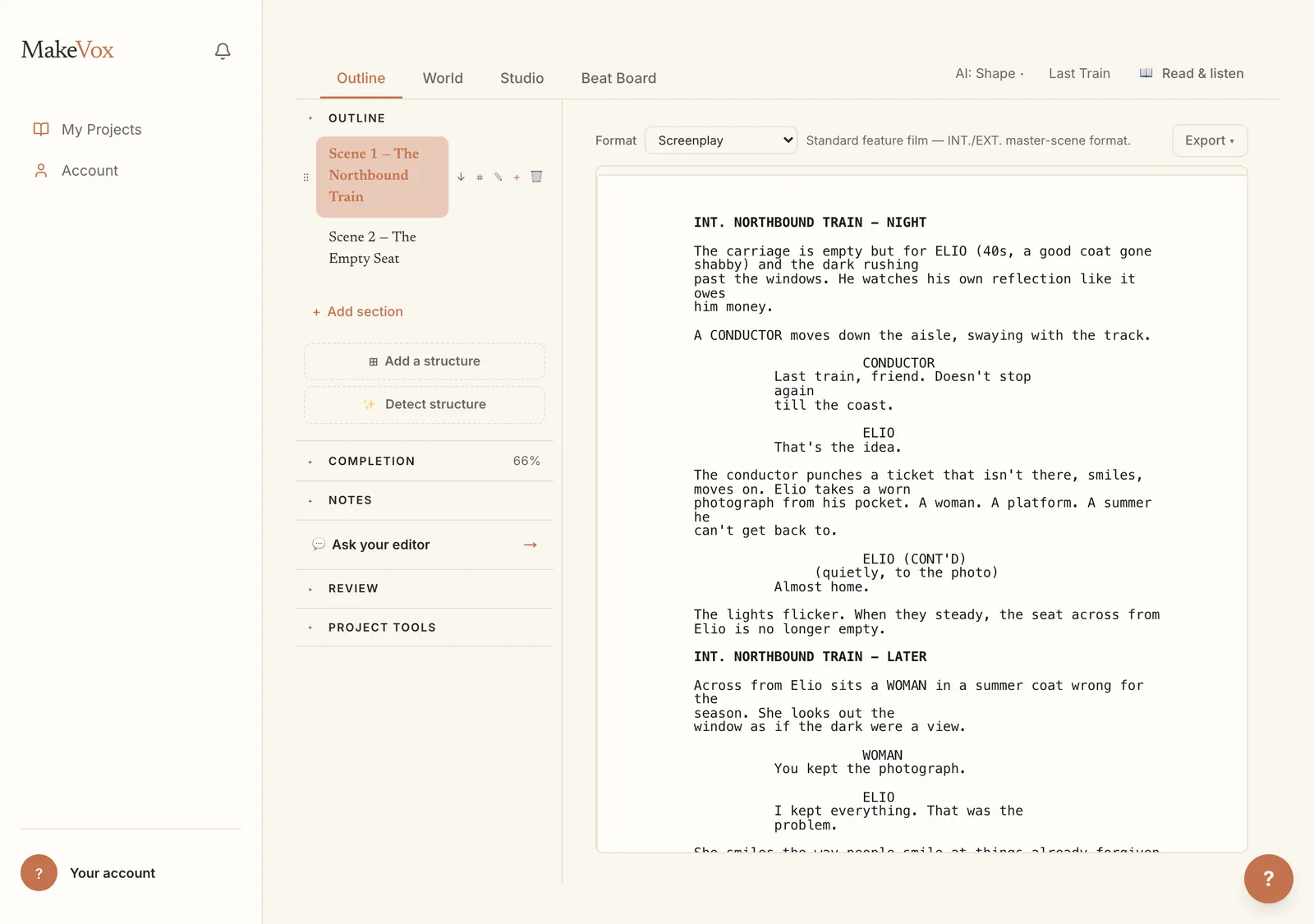
Choose the screenplay type when you start a new story. The workspace adapts to the format, so your scenes, sluglines, action, and dialogue are laid out the way a script should be rather than as plain paragraphs.
Talk to add a scene
Describe a scene out loud, where it happens, who is there, what they want, and MakeVox lays it into the script. You build the spine of the story by talking through it, scene by scene, without stopping to format anything.
Talk it through, per scene
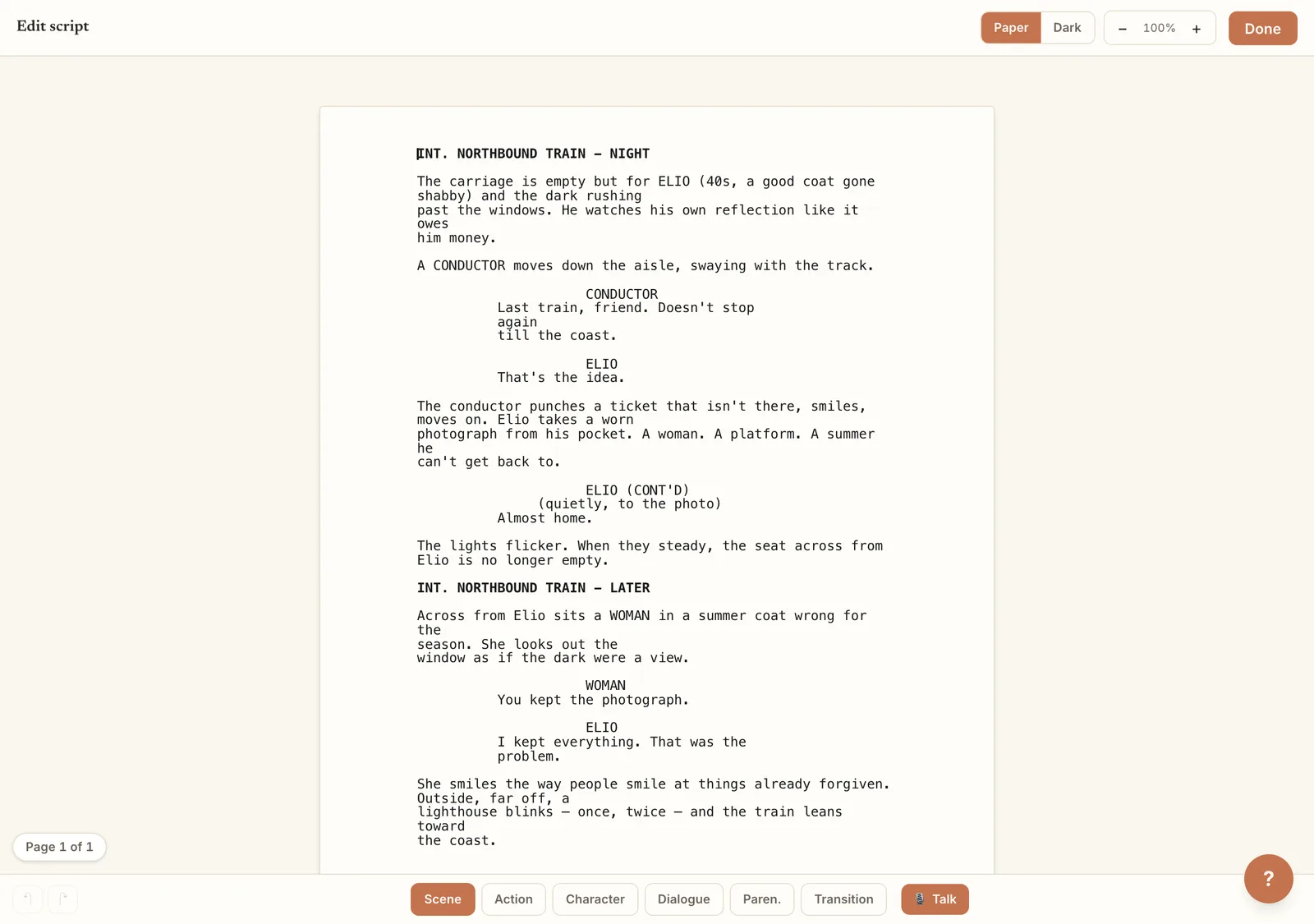
Each scene has a Talk it through option. Pick a scene, say what you want it to do or where it should go next, and rework it by voice. It is a conversation about that one scene, so you can shape the dialogue and beats until they land.
Polish or punch up
When a scene is close but not there, you can ask for a lighter or heavier pass. Polish smooths the existing lines while keeping them yours. Punch up sharpens the dialogue and pacing for more impact. You choose how far to push it.
Pick your professional format
Not writing a film? The Format control at the top of the editor lets you set the script to Screenplay (film), Single-Cam TV, Stage Play, One-Act Stage, or Multi-Cam TV. The whole document reflows to that professional style, on screen and in every export, and switching is non-destructive, so nothing you wrote is rewritten. See Choose your screenplay format for the details.
Import and export
MakeVox speaks Fountain, the plain-text screenplay format, so you can bring in a script you started elsewhere and keep writing by voice. When you're done, the Export menu takes the whole script out as an industry-formatted PDF, an .fdx file, or Fountain, each rendered in the format you chose. Your screenplay is never locked in.
An imported script arrives one scene per section, whatever file it came in (.fountain, .fdx, .docx, .pdf or .txt), split on its scene headings (INT. and EXT.) and act or scene lines, for free. A script with no headings at all is split by AI, which marks where each scene starts without changing a word. A script imported before this, or any section that still holds a lot of script in one piece, shows a Split into scenes button: the first scene stays where it is and each scene after it gets its own section, in order.
Polish, Punch up and the other AI passes work on long sections too, a part at a time, and cost the same as always: one AI action per 12,000 characters. A section longer than about 160 pages is too long for one pass, so MakeVox asks you to split it into scenes first and charges nothing.
Tip. Already have a draft in another app? Export it to Fountain there, import it here, and keep writing the rest by voice.
Keep reading
Getting started: your first chapter
Open MakeVox and type, or hit record and talk. Your AI editor shapes the rough draft into clean pages, and your outline grows as you go.
Writing with AIBuild your character bible
Your character bible is the AI's memory of who your people are. Write it or dictate it, and together with your prose it unlocks the Direct setting.
Story typesChoose your screenplay format
Write a film screenplay, stage play, or multi-camera TV script in its professional format, and it lays out and exports that way. Switch anytime.